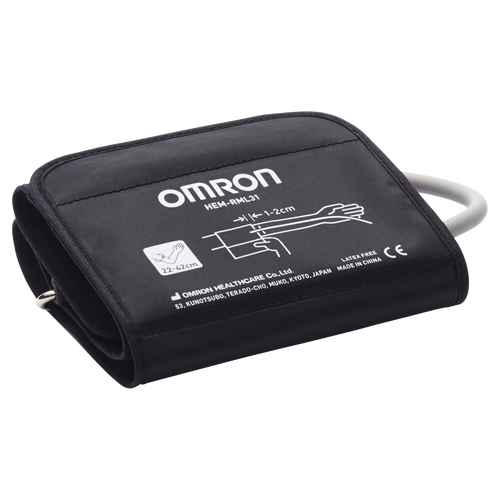
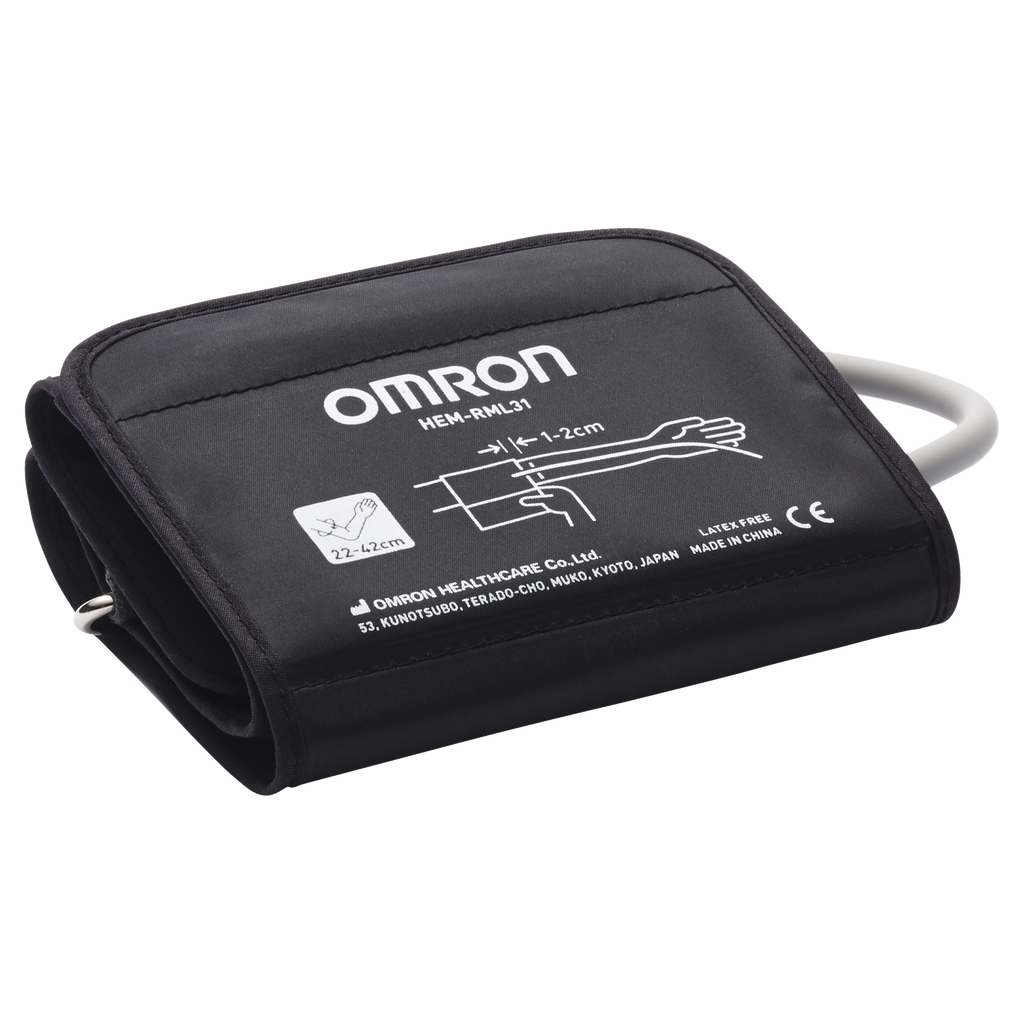
The durable and contoured Wide Range D-ring cuff fits arm circumference 22-42 cm. Before you purchase a home blood pressure monitor, its important to determine the best cuff size for you. To determine your appropriate cuff size, use a cloth measuring tape and measure the circumference of your left upper arm, midway between your elbow and shoulder. Ensuring that the blood pressure cuff is neither too tight nor too loose will help ensure the most accurate readings, providing you a more accurate picture of your hearts health. This cuff is only compatible with OMRON Blood Pressure Monitors.
Omron Pharmacy Blood Pressure Cuff Compatiblity Chart
Suitable for models HEM-7120/ HEM-7121/ HEM-7124 / HEM-8712 / HEM-7130L / HEM-7280T/ JPN-500 / JPN-600/ JPN1/ JPN2/ HEM-7322/ HEM-7211/ HEM-7200
General Safety Information
- Always read the label. Use only as directed.
- Nutritional supplements may only be of assistance if the dietary intake is inadequate.
- Supplements should not be used to replace a healthy balanced diet and adequate physical exercise.
- Keep all medications and supplements out of reach of children.
- If symptoms persist see your healthcare professional.